

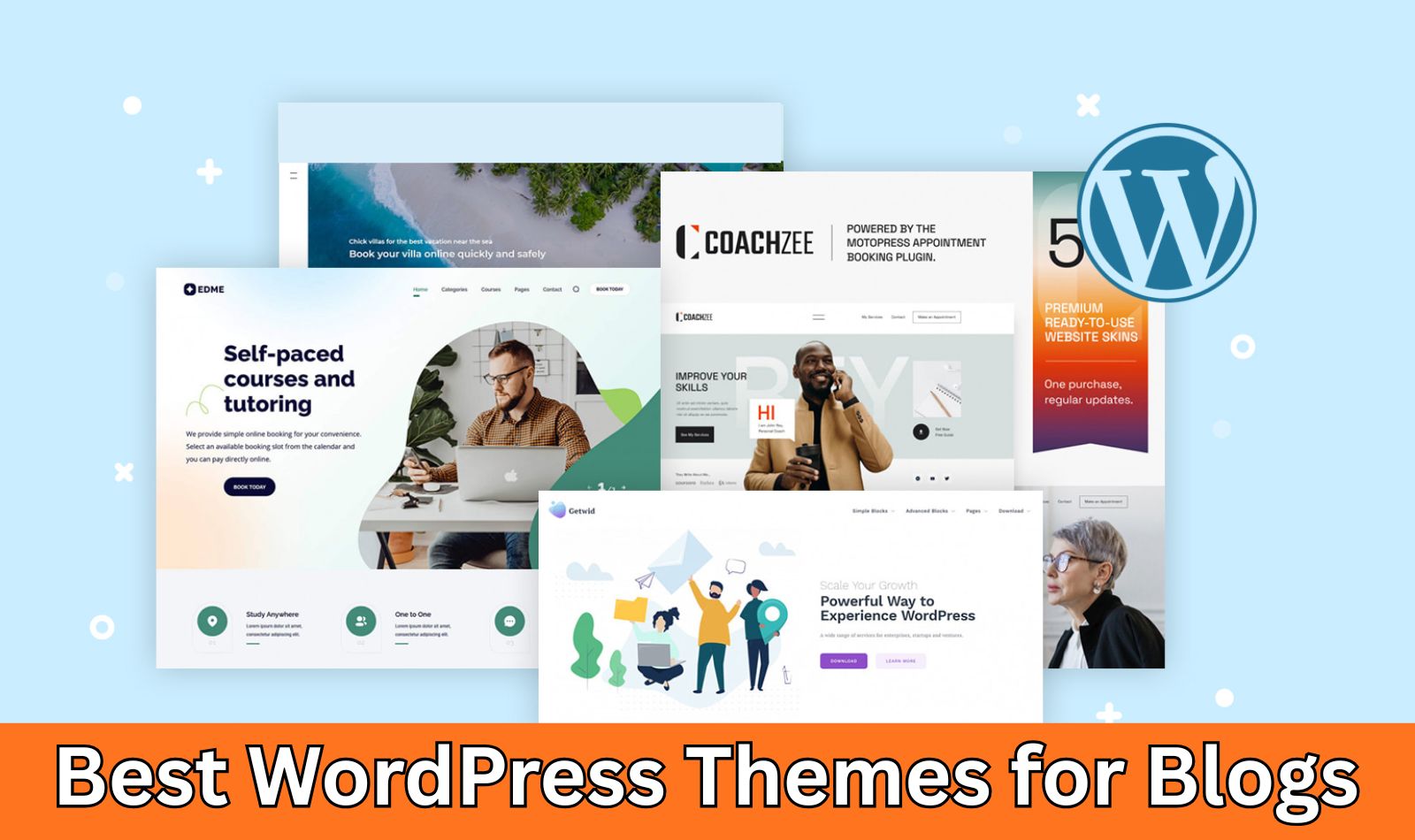
Choosing the right WordPress theme for your blog can make all the difference in how your content performs online. It impacts everything from page load times and search engine rankings to the overall user experience and your ability to customize without hassle. A great blog theme should prioritize readability, speed, and seamless integration with essential tools, allowing you to focus on what matters most: creating compelling content.
Whether you’re a personal blogger, freelance writer, or running a niche site, these themes offer a mix of free and premium options to suit different needs. Let’s dive in.
Summary of the Best Blog WordPress Themes
Here’s a quick overview of the top themes, highlighting their strengths for blogging:
| Theme | Best For | Starting Price | Builder Support | Key Feature |
|---|---|---|---|---|
| SeedProd | Beginner bloggers | Free / $39.50 | Built-in drag-and-drop | AI-powered theme builder |
| Sydney | Personal branding | Free / $63 | Elementor, Gutenberg | Customizable blog layouts |
| Bookwise | Authors & marketers | $299/year | Thrive Architect | Conversion-focused templates |
| Astra | Performance enthusiasts | Free / $69 | Elementor, Gutenberg, others | Lightweight with starter sites |
| Neve | Quick setups | Free / $69 | Elementor, Gutenberg | AMP-ready speed optimization |
| OceanWP | Versatile customization | Free / $54 | Elementor, Beaver Builder | Deep layout controls |
| GeneratePress | Tech-focused bloggers | Free / $59 | Gutenberg | Modular, high-performance core |
| Kadence | Creative lifestyles | Free / $69 | Gutenberg, Kadence Blocks | AI-assisted design tools |
| Blocksy | Block editor users | Free / $69 | Gutenberg | Real-time customization |
How I Tested the Best WordPress Blog Themes
To ensure objectivity, I followed a rigorous testing process:
- Speed: Measured load times on a standard WordPress setup with demo blog content, using tools like Google PageSpeed Insights and GTmetrix. Themes were evaluated for lightweight code and optimization features like lazy loading.
- Customization Ease: Assessed how quickly layouts, colors, typography, and elements could be adjusted without coding. I prioritized themes with intuitive customizers or builders.
- Writing Experience: Checked for clean, distraction-free post editors, easy media integration, and features like reading progress bars or social sharing.
- Readability: Evaluated typography options, spacing, mobile responsiveness, and dark mode support to ensure content shines on all devices.
- Compatibility: Tested with core WordPress features, popular plugins (e.g., Yoast SEO, WPForms), and builders like Elementor or Gutenberg. Only themes that integrated smoothly without conflicts were selected.
This hands-on approach mimicked real blogging scenarios, focusing on themes that deliver value without overwhelming beginners.
The Best WordPress Themes for Blogs
1. SeedProd: Best All-in-One Theme Builder for Blogs
SeedProd stands out as a powerful drag-and-drop builder that lets you create custom WordPress themes tailored for blogging. It’s not just a theme—it’s a full-site editor that simplifies designing blog layouts, posts, and archives without hiring developers. With AI integration, you can generate entire site drafts quickly, making it ideal for bloggers who want professional results fast. It includes pre-built blog templates, dynamic content blocks, and seamless integrations for lead capture and SEO.
Pros:
- Code-free customization with 90+ blocks for posts, images, and forms.
- AI tools for instant site generation, including text and images.
- Built-in pages for coming soon, maintenance, and 404 errors to manage your blog during updates.
- Responsive designs that look great on mobile, with fast-loading performance.
- Integrates with email services like MailChimp for growing your audience.
Cons:
- Advanced theme building features are locked behind the Pro plan.
- Fewer ready-made widgets compared to dedicated page builders.
Pricing: Free version available; Pro starts at $39.50/year.
Rating: A+ Best for: Non-technical bloggers seeking an easy, all-in-one solution.
2. Sydney: Best for Freelance Writers and Personal Brands
Sydney is a clean, professional theme perfect for bloggers focusing on personal branding. It offers multiple blog layouts, sticky navigation, and custom headers to make your content stand out. With strong Elementor integration, you can add hero sections, sliders, and portfolios effortlessly. The Pro version enhances blogging with reading progress indicators and social sharing tools, helping writers engage readers longer.
Pros:
- Lightweight and SEO-optimized for better search rankings.
- Flexible layouts suitable for blogs, portfolios, or freelance sites.
- Header and footer builders with presets for quick setups.
- Compatible with Gutenberg and Elementor for advanced designs.
- Pre-built sections and starter sites to accelerate launches.
Cons:
- Some premium features like extra layouts require the Pro upgrade.
- Customization might feel basic for users needing ultra-advanced options.
Pricing: Free; Pro starts at $63/year.
Rating: A Best for: Freelance writers building a branded online presence.
3. Bookwise (Thrive Themes): Best for Authors and Content Marketers
Bookwise is tailored for authors and marketers, with templates for book pages, reviews, and events. It emphasizes conversions, helping bloggers turn readers into subscribers or buyers. Integrated with Thrive Architect, it offers visual editing for long-form content, author bios, and promotional elements. Features like opt-in forms and social proof sections make it great for content-driven blogs.
Pros:
- Specialized templates for books, reviews, and micro-blogging.
- Built-in lead generation and email integration for audience growth.
- No need for extra plugins—handles styling, forms, and sharing.
- Centralized updates for colors, fonts, and branding.
- WooCommerce compatibility for selling books or courses.
Cons:
- Requires a full Thrive Suite subscription, which might be overkill for simple blogs.
- Steeper learning curve if you’re new to visual builders.
Pricing: $299/year (as part of Thrive Suite; no free version).
Rating: A Best for: Authors and marketers focused on conversions and storytelling.
4. Astra: Best Lightweight Multipurpose Theme
Astra is a speed demon, loading in under 0.5 seconds with minimal resources. For bloggers, it provides sleek layouts, blog archives, and featured post options. With 300+ starter templates and compatibility with major builders, you can customize typography, colors, and headers live. It’s SEO-friendly and mobile-responsive, making it a go-to for minimalist blogs.
Pros:
- Ultra-lightweight (under 50KB) for top-notch performance.
- Vast template library for quick blog setups.
- Advanced header/footer builders and global settings.
- Integrates with WooCommerce for monetized blogs.
- No coding needed; live previews for all changes.
Cons:
- Premium templates and features require the Pro plan.
- Might require add-ons for highly specialized blog tools.
Pricing: Free; Pro starts at $69/year.
Rating: A+ Best for: Minimalist bloggers prioritizing speed and versatility.
5. Neve: Best for Speed and Simplicity
Neve excels in simplicity, offering fast-loading designs with one-click starter sites. Bloggers benefit from customizable layouts, social sharing, and AMP support for mobile users. It integrates smoothly with Elementor and Gutenberg, allowing easy post styling and archive customization. With global color palettes and mega menus, it’s straightforward yet powerful.
Pros:
- Blazing-fast (under 1 second load time) and lightweight.
- 110+ templates for instant blog launches.
- Mobile-first design with AMP compatibility.
- Custom headers, footers, and content restrictions in Pro.
- SEO-optimized code for better visibility.
Cons:
- Advanced layouts and widgets are Pro-only.
- Free version has limited premium integrations.
Pricing: Free; Pro starts at $69/year.
Rating: A Best for: Bloggers wanting quick, simple setups without complexity.
6. OceanWP: Best for Deep Customization
OceanWP offers extensive control for bloggers who love tweaking details. With content loop builders, you can rearrange post elements, add sliders, and integrate social features. It’s builder-ready and includes WooCommerce support for ad-supported blogs. Performance remains strong with responsive designs and SEO best practices.
Pros:
- Highly flexible with global and per-page customizations.
- Free extensions for sidebars, metaboxes, and more.
- Elementor and Gutenberg integration for creative layouts.
- Built-in schema markup for better search results.
- Versatile for blogs, stores, or portfolios.
Cons:
- Advanced options can overwhelm beginners.
- Some extensions add weight if not managed.
Pricing: Free; Pro starts at $54/year.
Rating: B+ Best for: Customizers building multi-purpose blog sites.
7. GeneratePress: Best for Performance-Focused Bloggers
GeneratePress is a modular powerhouse, focusing on clean code for ultimate speed. Bloggers get dynamic elements, custom fields, and starter sites for quick starts. It’s Gutenberg-compatible and extensible, ideal for tech-savvy users who value stability over flash.
Pros:
- Exceptional performance with minimal bloat.
- Modular setup for adding only needed features.
- High accessibility and security standards.
- Extensive library of professional templates.
- Easy integration with any plugin.
Cons:
- Design starts minimal; requires customization.
- Premium modules needed for advanced controls.
Pricing: Free; Pro starts at $59/year.
Rating: A+ Best for: Tech bloggers emphasizing performance.
8. Kadence: Best Balance of Design and Performance
Kadence blends aesthetics and speed with AI tools for layouts. Bloggers enjoy dynamic content, pop-ups, and eCommerce features. Global controls ensure consistency, while Kadence Blocks enhance Gutenberg for stylish posts.
Pros:
- AI for fast site drafts and customizations.
- Efficient code for quick loads on all devices.
- Advanced forms, A/B testing, and pop-ups.
- Starter templates for blogs and podcasts.
- Strong community and support resources.
Cons:
- Pro unlocks full AI and advanced tools.
- Slight learning curve for AI features.
Pricing: Free; Pro starts at $69/year.
Rating: A+ Best for: Creative bloggers in lifestyle niches.
9. Blocksy: Best for Gutenberg Power Users
Blocksy is Gutenberg-native, offering real-time edits and lazy loading for speed. Bloggers get modern layouts, WooCommerce integration, and parallax effects. It’s customizable with color schemes and widgets, perfect for block-based workflows.
Pros:
- Seamless Gutenberg integration for fast building.
- High performance with top speed scores.
- Responsive, retina-ready designs.
- SEO and GDPR compliant out of the box.
- Free version packed with pro-level features.
Cons:
- Pro needed for deepest customizations.
- Option overload for absolute beginners.
Pricing: Free; Pro starts at $69/year.
Rating: A Best for: Users leveraging Gutenberg for modern blogs.
What’s the Best WordPress Theme for Blogs?
For most bloggers, SeedProd tops the list with its AI-driven builder and all-in-one features—perfect for creating custom, high-converting sites without code. If you’re on a budget, Sydney offers a solid free alternative with professional vibes. For pure performance, go with GeneratePress. Ultimately, your choice depends on your tech comfort and blog goals—prioritize speed for SEO-heavy sites or customization for creative ones.
FAQs
Is WordPress still the best platform for blogs?
Absolutely— it powers over 40% of the web, with endless plugins for SEO, analytics, and more.
Does WordPress have blog templates?
Yes, many themes like Astra and Neve include one-click imports for blog setups.
What’s the fastest WordPress blog theme?
Astra, GeneratePress, and Neve lead with sub-1-second loads and lightweight code.
Which theme is best for storytelling?
Bookwise shines for long-form content, with templates for reviews and author bios.
Should I use a free or premium WordPress blog theme?
Start free (e.g., Neve) for basics; upgrade to premium for advanced features as your blog grows.
Conclusion
The right theme sets the foundation for a successful blog in 2026. Whether you pick SeedProd for ease or Astra for speed, focus on what aligns with your content style. Explore these options, test demos, and watch your blog thrive. For more tips, check related guides on SEO plugins or content strategies.