
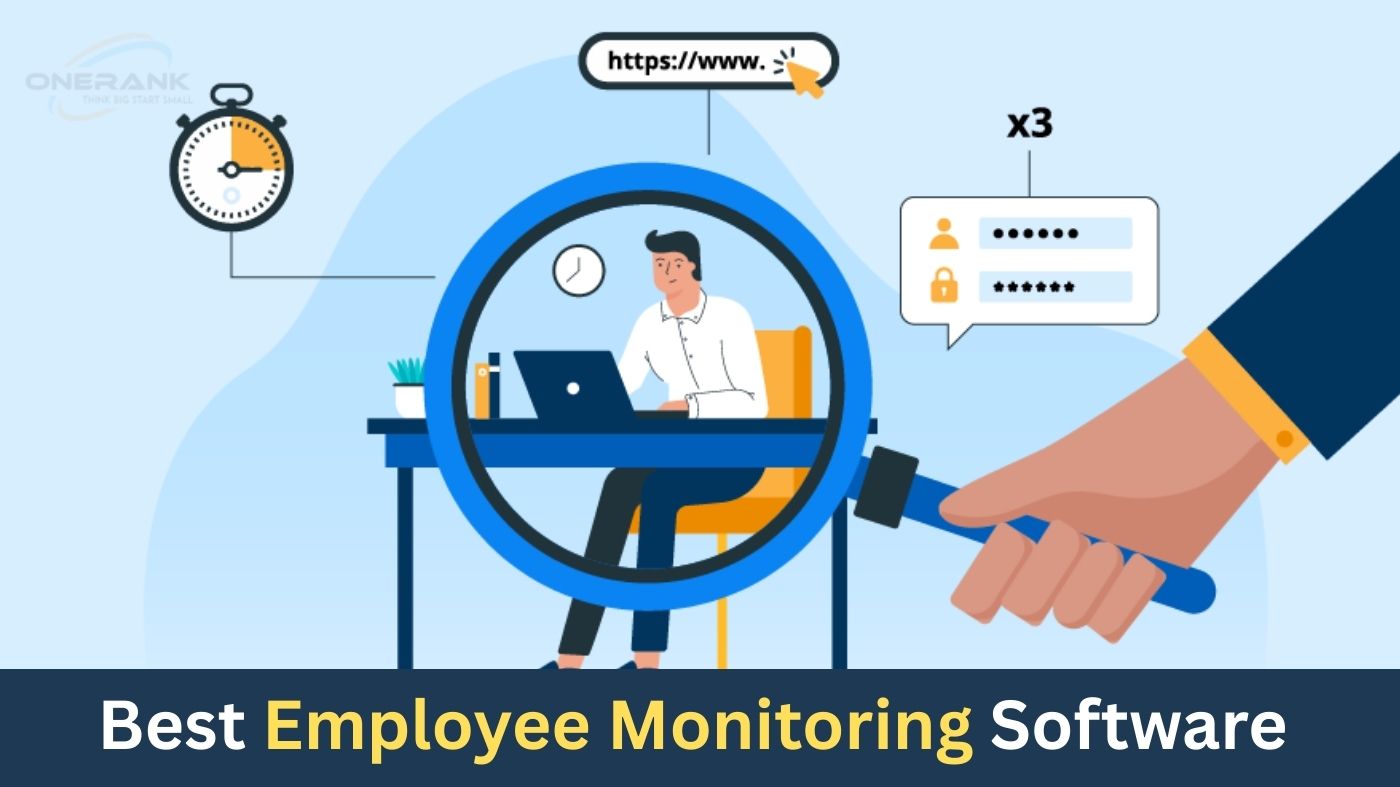
In today’s hybrid and remote work landscape, keeping tabs on employee productivity while fostering trust is more crucial than ever. Employee monitoring software has evolved from basic time trackers into sophisticated platforms that offer real-time insights, security safeguards, and actionable analytics. These tools help managers identify inefficiencies, prevent data breaches, and ensure compliance—ultimately driving better business outcomes.
But with dozens of options flooding the market, how do you choose the right one? This guide dives into the top 8 employee monitoring software solutions for 2025, based on rigorous testing, user feedback, and industry trends. Whether you’re a small startup or a large enterprise, you’ll find tools that balance oversight with employee privacy.
How We Chose the Best Employee Monitoring Software
Selecting the ideal employee monitoring tool requires evaluating factors that align with modern workforce needs. Our team analyzed over 50 platforms, drawing from user reviews on sites like G2 and Capterra, hands-on demos, and 2025 market reports. Here’s what mattered most:
- Core Features: Comprehensive tracking of time, apps, websites, screenshots, and keystrokes, plus advanced AI-driven analytics for behavior insights.
- Ease of Use: Intuitive dashboards, quick setup (under 30 minutes), and minimal training required for both admins and employees.
- Privacy & Compliance: Options for transparent or stealth modes, GDPR/CCPA adherence, and customizable alerts to avoid micromanagement pitfalls.
- Integrations: Seamless connections with tools like Slack, Asana, Trello, and payroll systems for streamlined workflows.
- Pricing Value: Transparent tiers starting under $10/user/month, with free trials and scalable plans for growing teams.
- Customer Support & Ratings: 24/7 availability, high satisfaction scores (4.5+ on G2), and robust community resources.
- Scalability & Security: Cloud/on-premise options, data encryption, and support for 100+ users without performance lags.
We prioritized tools excelling in remote/hybrid setups, where 70% of companies report productivity visibility as a top challenge.
The 8 Best Employee Monitoring Software
Teramind
Teramind stands out as a powerhouse for enterprises needing robust security alongside productivity tracking. Using AI to flag anomalies, it monitors everything from screen activity to file transfers, making it ideal for high-stakes industries like finance and healthcare. In 2025, its updated machine learning models predict insider threats with 95% accuracy, reducing breach risks significantly.
Key Features:
- Real-time screen recording and playback for forensic audits.
- Behavior analytics to detect unusual patterns like excessive data downloads.
- Data loss prevention (DLP) with content classification and automated blocking.
- Customizable alerts for policy violations, integrated with email and Slack.
- Detailed productivity reports with idle time breakdowns and ROI calculations.
- Remote desktop control for troubleshooting without interrupting workflows.
- Multi-OS support (Windows, Mac, Linux) with cloud or on-premise deployment.
Pros:
- Unmatched security depth prevents costly data leaks.
- Granular controls let you monitor without invading privacy.
- Excellent for compliance-heavy sectors with audit-ready logs.
- Fast setup and intuitive analytics dashboard.
Cons:
- Steeper learning curve for non-tech users due to advanced features.
- Higher pricing may deter very small teams.
- Occasional delays in agent updates on restricted networks.
- Limited mobile tracking compared to desktop focus.
Pricing: Starts at $15/user/month (Starter); $30/user/month (UAM); custom Enterprise plans. Free trial available.
Rating: 4.7/5
Hubstaff
Hubstaff excels in blending time tracking with project management, perfect for agencies and freelance teams billing by the hour. Its 2025 updates include enhanced GPS for field workers and AI-suggested task assignments, helping managers allocate resources smarter and cut overtime by up to 20%.
Key Features:
- GPS and geofencing for location-based attendance.
- Automated screenshots and activity levels based on keyboard/mouse input.
- Payroll integration with automatic invoicing from tracked hours.
- Project budgeting tools to monitor costs in real-time.
- Integrations with 50+ apps like Asana, QuickBooks, and Google Workspace.
- Custom reports on app usage, URLs visited, and team productivity scores.
- Mobile apps for iOS/Android to track on-the-go work.
Pros:
- Affordable and scales effortlessly from 5 to 500 users.
- Strong focus on billable time reduces revenue leaks.
- User-friendly interface with drag-and-drop scheduling.
- Reliable customer support via live chat and knowledge base.
Cons:
- GPS accuracy can falter in urban areas with poor signals.
- Some integrations (e.g., Monday.com) require manual tweaks.
- Free version lacks advanced reporting.
- Can feel overwhelming for non-project-based teams.
Pricing: $7/user/month (Starter); $9/user/month (Grow); up to $25/user/month (Enterprise). 14-day free trial.
Rating: 4.6/5
ActivTrak
ActivTrak shifts the focus from punitive monitoring to wellness-driven insights, using AI to analyze work patterns and suggest burnout prevention. For 2025, its workforce analytics now include sentiment tracking from app usage, empowering HR to build healthier remote cultures.
Key Features:
- AI-powered activity classification for productive vs. unproductive time.
- Custom alerts for anomalies like high idle periods or risky sites.
- Behavioral reports grouping users by role for targeted coaching.
- App and website blocking with easy whitelisting.
- Compliance tools for HIPAA and SOC 2 standards.
- Weekly productivity dashboards with trend visualizations.
- Quick deployment with no IT expertise needed.
Pros:
- Promotes trust with optional transparency modes.
- Deep analytics uncover hidden inefficiencies like context-switching.
- Free tier for small teams testing the waters.
- Integrates smoothly with Microsoft Teams and Zoom.
Cons:
- No native Linux support yet, limiting cross-platform use.
- Advanced AI features locked behind higher plans.
- Reporting filters sometimes miscategorize niche apps.
- Customer support response times vary during peak hours.
Pricing: Free (basic); $10/user/month (Essentials); $19/user/month (Professional). Custom Enterprise quotes.
Rating: 4.5/5
Insightful
Formerly Workpuls, Insightful delivers automated time mapping that ties activity to projects, ideal for dev teams chasing deadlines. Its 2025 refresh adds industry-specific templates (e.g., for creative agencies), automating 80% of reporting and freeing managers for strategy.
Key Features:
- Automatic time allocation to tasks via app detection.
- Stealth or visible modes with employee self-view options.
- Screenshots on demand or random intervals for context.
- Location tracking with offline sync for mobile workers.
- Role-based dashboards for personalized insights.
- Integrations with Jira, Slack, and payroll like Gusto.
- Burnout detection via workload balancing alerts.
Pros:
- Cost-effective for mid-sized teams with rich features.
- Enhances employee autonomy with personal productivity views.
- Seamless offline tracking ensures data integrity.
- Quick ROI through precise billing and forecasting.
Cons:
- Mobile app lacks full desktop parity.
- Historical data access can be clunky post-role changes.
- Setup requires initial user mapping for accuracy.
- Support for custom integrations takes time.
Pricing: $6.40/user/month (Productivity); $8/user/month (Time Tracking); custom Enterprise.
Rating: 4.6/5
Time Doctor
Time Doctor combines distraction-free focus tools with team-wide visibility, suiting sales and customer support roles where every minute counts. New in 2025: AI chat summaries from monitored communications, streamlining compliance reviews.
Key Features:
- Optional distractions blocker for focused sprints.
- Periodic screenshots with optional blur for privacy.
- Client-specific billing breakdowns from tracked time.
- GPS for field reps with geofence notifications.
- 50+ integrations including Zapier and Basecamp.
- Custom productivity goals with progress gamification.
- Offline mode with auto-sync upon reconnection.
Pros:
- Builds accountability without feeling Big Brother-ish.
- Detailed proofs (screenshots, URLs) eliminate disputes.
- Flexible for global teams across time zones.
- Generous free trial with full feature access.
Cons:
- Auto-tracking can restart unexpectedly on some devices.
- Zendesk integration still maturing.
- Higher tiers needed for unlimited storage.
- Occasional glitches in multi-user attendance logs.
Pricing: $5.90/user/month (Basic); $8.40/user/month (Standard); $16.70/user/month (Premium).
Rating: 4.5/5
DeskTime
DeskTime automates everything from clock-ins to absenteeism alerts, making it a go-to for shift-based operations like retail or manufacturing. Its 2025 update introduces overtime forecasting, helping cut labor costs by 15% on average.
Key Features:
- Auto-start tracking on device login.
- Private time toggles for breaks without logging.
- App categorization into productive/neutral/unproductive.
- Timesheet approvals with one-click exports to Excel.
- Integrations with PayPal, Harvest, and Toggl.
- Overtime and shift scheduling visualizations.
- Cross-device sync for hybrid setups.
Pros:
- Lightweight and runs silently in the background.
- Balances monitoring with employee well-being features.
- Strong ROI tracking for project profitability.
- Easy for non-tech admins to configure.
Cons:
- URL tracking incomplete on some browsers.
- No built-in video calls monitoring.
- Manual launch required on secondary devices.
- Free plan caps at basic reports.
Pricing: $7/user/month (Pro); $10/user/month (Premium); $20/user/month (Enterprise).
Rating: 4.4/5
Monitask
Monitask keeps it simple yet effective for freelancers and small agencies, with a live dashboard showing real-time activity across the board. In 2025, its proof-of-work reports now include AI-generated summaries, speeding up client invoicing.
Key Features:
- Live views of apps, tasks, and idle time.
- Automated screenshots every 10 minutes.
- Keyboard/mouse activity rates for engagement metrics.
- Exportable timesheets for payroll and audits.
- Integrations with QuickBooks and FreshBooks.
- User self-reporting for manual adjustments.
- Free version for solo users.
Pros:
- Budget-friendly with no hidden fees.
- Encourages self-improvement via personal stats.
- Reliable for remote contractors without overhead.
- Fast setup—agents install in seconds.
Cons:
- Lacks advanced AI for threat detection.
- Offline tracking limited to 24 hours.
- Dashboard can lag with 50+ users.
- Minimal customization for alerts.
Pricing: Free (solo); $5.99/user/month (Pro); $8.99/user/month (Business).
Rating: 4.5/5
Kickidler
Kickidler emphasizes video-like screen replays for thorough investigations, targeting compliance-focused firms. Its 2025 enhancements include psycholinguistic analysis of chats, flagging sentiment shifts early.
Key Features:
- Full-session video recording with timeline scrubbing.
- Keystroke and file activity logging.
- Custom productivity scoring algorithms.
- Remote agent deployment over LAN.
- Stealth mode for discreet oversight.
- Reports on web/app usage with filters.
- On-premise option for data sovereignty.
Pros:
- Forensic-level detail for audits and disputes.
- Scalable for large enterprises with VPN support.
- Custom profiles for different departments.
- Strong European compliance (GDPR-ready).
Cons:
- Resource-heavy on older hardware.
- No mobile app for on-the-go management.
- Pricing opaque without demo.
- Learning curve for video analytics.
Pricing: Starts at $10/user/month; custom for on-premise. Free demo.
Rating: 4.3/5
Employee Monitoring Software Comparison
| Software | Starting Price (per user/month) | Best For | Key Features | Rating |
|---|---|---|---|---|
| Teramind | $15 | Security & Compliance | AI anomaly detection, DLP, screen replay | 4.7/5 |
| Hubstaff | $7 | Agencies & Freelancers | GPS tracking, payroll integration | 4.6/5 |
| ActivTrak | $10 (Essentials) | Wellness & Analytics | AI classification, burnout alerts | 4.5/5 |
| Insightful | $6.40 | Development Teams | Auto time mapping, project insights | 4.6/5 |
| Time Doctor | $5.90 | Sales & Support | Distraction blocker, client billing | 4.5/5 |
| DeskTime | $7 | Shift-Based Operations | Auto-start, overtime forecasting | 4.4/5 |
| Monitask | Free | Small Agencies | Live dashboard, self-reporting | 4.5/5 |
| Kickidler | $10 | Compliance Firms | Video replays, keystroke logging | 4.3/5 |
Frequently Asked Questions
What is the best employee monitoring software for small businesses?
For startups under 50 users, Monitask or Hubstaff shine with low costs and easy setups. They track essentials without overwhelming features.
Is employee monitoring legal in 2025?
Yes, in most U.S. states and globally, but notify employees upfront and comply with laws like GDPR. Tools like ActivTrak include consent templates.
How much does employee monitoring software cost?
Expect $5–$15/user/month on average. Free tiers (e.g., Monitask) suit testing, while enterprise plans add AI for $20+.
Can employee monitoring software track remote workers?
Absolutely—most (like Insightful) offer GPS, offline sync, and cross-device support for seamless hybrid monitoring.
Does monitoring software affect employee morale?
When transparent, no. Focus on insights for growth, not punishment, as DeskTime’s wellness features demonstrate.
Final Thoughts
Employee monitoring software isn’t about spying—it’s about empowering teams to thrive in 2025’s distributed world. From Teramind’s ironclad security to Monitask’s simplicity, these tools offer tailored paths to higher productivity and lower risks. Start with a free trial, communicate transparently with your team, and measure impact quarterly. The right choice could unlock 25% more efficiency while preserving morale.