

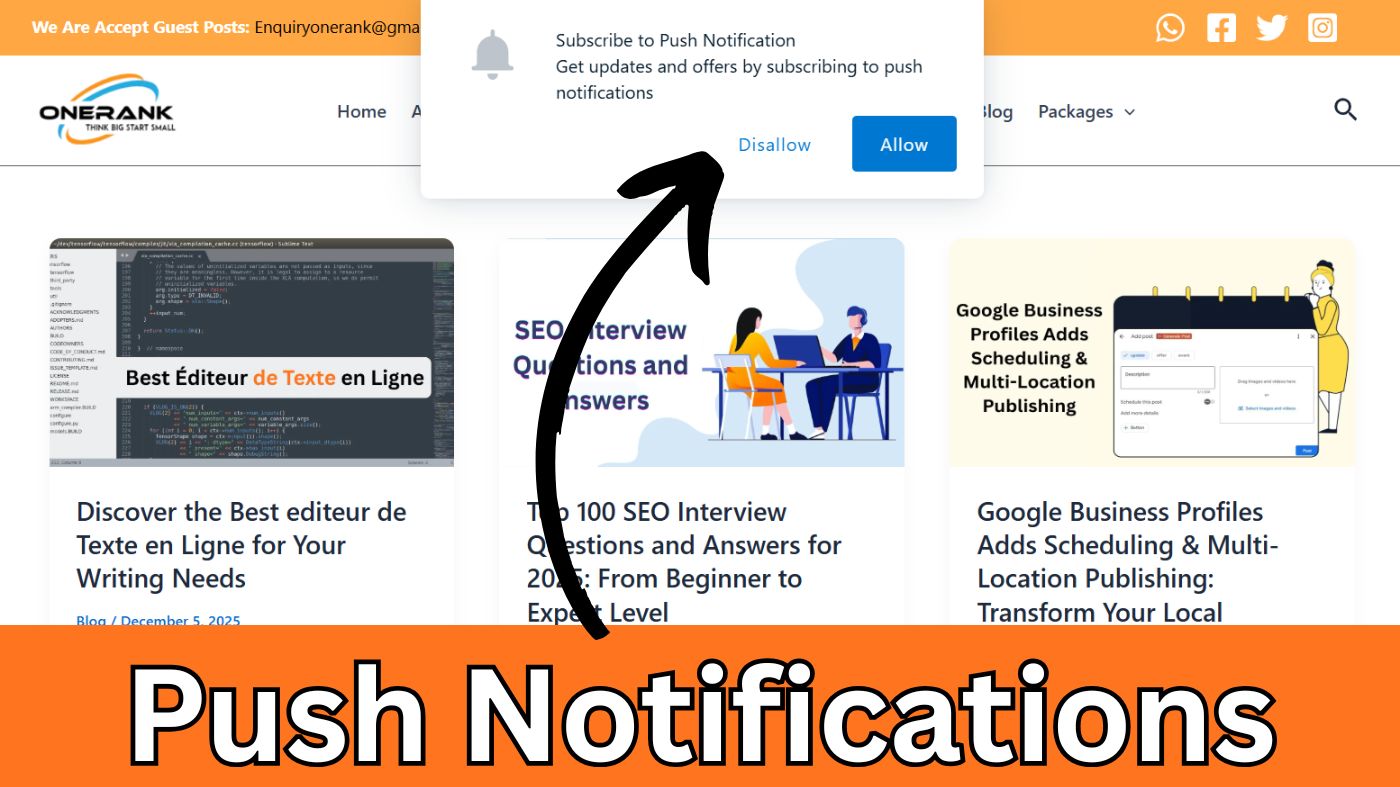
Imagine you’re scrolling through your phone when a little pop-up grabs your eye—a flash sale on that gadget you’ve been eyeing. You tap it, snag the deal, and feel that rush of satisfaction. That’s the magic of a well-timed push notification. These handy alerts can skyrocket your engagement strategies, turning casual browsers into loyal fans. With click-through rates often 4-8 times higher than emails, they offer a direct line to your audience. You’ll discover how they work, why they outperform other channels, and tips to make them irresistible. Stick around; by the end, you’ll be ready to amp up your own game.
Push notifications aren’t just bells and whistles. They’re permission-based powerhouses that deliver real-time value without invading privacy. Whether you’re running an e-commerce site or a news app, mastering them means higher retention and conversions. Let’s dive in—you’ll see how simple tweaks can lead to big wins.
What Are Push Notifications?
Push notifications are those clickable alerts that pop up on your screen, delivering timely messages from apps or websites even when you’re not actively using them. Think of them as quick nudges—short, snappy, and straight to the point. They show up on mobiles, desktops, or even wearables, complete with a title, body text, and sometimes an image or emoji to catch your eye.
These browser notifications started back in 2009 with Apple’s launch of the Apple Push Notification service. Since then, they’ve evolved, adding web support in browsers like Chrome and features like rich media. Today, they’re essential for keeping you connected without needing constant app checks.
At their core, push notifications include key elements: a bold title to hook you, concise body text under 150 characters, and a clear call-to-action. Add in visuals like icons or GIFs, and they become even more engaging. You’ll appreciate how they cut through the noise, offering personalized updates right when you need them.
Unlike static emails, push alerts demand immediate attention. They’re sent via services like Firebase Cloud Messaging for Android or APNs for iOS, ensuring fast delivery. If you’re managing a site, web push notifications let you reach users without an app install—handy for broadening your reach.
Push Notifications vs. Other Channels
You might wonder how push notifications stack up against emails or SMS. Well, they shine with higher open rates—often 23% more than emails—and no per-message costs like SMS. Plus, they support rich elements like images, making them more dynamic than plain text messages.
Emails can get lost in inboxes, while SMS feels intrusive with its fees and character limits. Push notifications? They’re opt-in only, so you know your audience wants them. For app-based pushes, they’re tied to user behavior; web pushes extend that to browsers, giving you flexibility across devices.
Of course, each channel has its place. Use emails for detailed newsletters, SMS for urgent alerts. But for quick engagement boosts, push notifications win with their immediacy. You’ll find them especially effective in driving return visits without overwhelming your users.
Types of Push Notifications
Push notifications come in various flavors, tailored to your needs. Web push notifications appear on browsers, perfect for desktop users browsing your site. They slide in subtly, urging you to act on abandoned carts or new blog posts.
Then there are mobile app push notifications—those lock-screen banners from your favorite apps. They’re great for on-the-go updates, like order confirmations or event reminders. Desktop versions pop up on your computer, while wearable pushes buzz on your smartwatch for quick glances.
Break them down functionally: transactional pushes handle essentials, such as password resets or delivery statuses. Promotional ones tempt you with deals, flash sales, or personalized offers. Rich pushes add images and buttons, making them interactive and eye-catching.
Triggered notifications respond to your actions—think geo-location alerts when you’re near a store. Time-bound ones create urgency, like “Sale ends in 1 hour!” You’ll love how these types let you mix and match for maximum impact.
Choosing the Right Type for Your Goals
Matching the type to your industry matters. In e-commerce, abandoned cart pushes recover lost sales with 15% CTRs. For media, news alerts keep you hooked, boosting retention by reminding you of fresh content.
Gaming apps thrive on promotional pushes for in-game rewards, while travel sites use geo-triggered ones for local deals. Consider your audience: opt for transactional for trust-building, promotional for revenue spikes. Start simple—you’ll see what resonates.
Test across types. A rich push might lift engagement in fitness apps with workout reminders, but keep it brief on wearables. Align with goals like retention or conversions, and you’ll craft a strategy that feels custom-made.
Benefits of Using Push Notifications
Push notifications pack a punch for engagement. They drive you back to apps or sites, increasing return traffic and loyalty. With personalization, they feel tailored just for you, leading to higher satisfaction and repeat visits.
Conversions soar too—those timely alerts turn browsers into buyers. Imagine getting a nudge about a forgotten cart; suddenly, you’re checking out. Stats show 4-8x better CTR than emails, translating to real revenue lifts in e-commerce.
They’re cost-effective, scaling without extra fees. No need for personal data like emails; just opt-in and go. You’ll cut churn by re-engaging inactive users, fostering long-term relationships.
Plus, they collect feedback subtly, helping refine your experience. In critical sectors like healthcare, they remind you of appointments, improving adherence. Overall, push notifications make interactions seamless and valuable.
Real-World Impact
Look at industries: e-commerce sees 30% adoption for cart recovery, with CTRs hitting 15%. Gaming boasts 40% usage, where updates yield up to 31% clicks.
Travel apps boost sessions by 8% with targeted pushes, reducing bounce rates. Fitness reminders generate billions in revenue by keeping you motivated. These benchmarks show push notifications aren’t hype—they deliver.
Table of Industry Benchmarks:
| Industry | Opt-In Rate | Average CTR | Key Use Case |
|---|---|---|---|
| E-commerce | 20-30% | 15% | Abandoned Cart |
| Gaming | High | 7-31% | Updates & Promotions |
| Travel | Moderate | 8% | Deals & Alerts |
| Media | 25% | 10-20% | News Notifications |
How to Implement Push Notifications
Getting started with push notifications is straightforward. First, choose a service like Firebase or OneSignal. Register your app or site, then integrate the SDK—it’s often just a few lines of code.
For opt-in, craft a compelling prompt. Time it after users see value, like post-signup. Explain benefits: “Get instant deals!” Aim for 20-30% opt-in rates by keeping it simple and trustworthy.
Set up servers to handle sends. Use APNs for iOS, FCM for Android. Track metrics from the start—delivery rates, clicks—with UTM tags for precision.
Cross-device? Ensure compatibility with browsers like Chrome or Safari. Privacy is key; comply with regulations to build trust. You’ll have a system running in no time.
Common Pitfalls to Avoid
- Over-sending: Bombarding you leads to unsubscribes. Cap at quality messages.
- Ignoring time zones: A 3 AM alert? No thanks. Schedule wisely.
- Generic content: Skip one-size-fits-all; personalize or risk ignores.
- Poor timing: Prompt too early, and opt-ins drop. Wait for engagement.
- No A/B testing: Guesswork fails. Test to refine.
Best Practices for Effective Push Notifications
Craft copy that pops. Use urgency: “Limited time offer!” Mix in emojis for flair—boosts CTR by 15-20%. Keep it under 150 characters; you want quick reads, not novels.
Segment your audience. Base sends on behavior, location, or preferences. Personalization makes pushes feel relevant, lifting opens by 23%. You’ll connect deeper this way.
Time it right. Analyze when you’re active—avoid off-hours. Tools predict optimal slots, making alerts 2.6x more effective. Short bursts work; long waits lose momentum.
Balance frequency. Quality trumps quantity; overdo it, and you’ll see opt-outs spike. Aim for value-packed sends that excite, not annoy.
Advanced Tips
Leverage AI for scaling personalization. It predicts behaviors, crafting tailored pushes effortlessly. Track key metrics: opt-in rates, CTR, conversions. Use A/B tests to iterate—small changes yield big gains.
Incorporate rich elements like GIFs for visual punch. Deep link to specific pages, smoothing your journey. These tweaks turn good pushes into great ones.
Real-Life Push Notification Examples
In e-commerce, abandoned cart alerts shine. “Forgot something? Your items await!” With 15% CTR, they recover sales—like a site boosting revenue threefold.
Media apps use news pushes: “Breaking: New episode drops!” Spotify nails this, drawing you back for playlists. Ubisoft’s game updates hit 31% CTR, keeping players engaged.
Travel? “Flight delayed—new gate info here.” LA Tourism saw 8% CTR lifts, cutting bounces by 43%. Fitness reminders: “Hit your goal today!” Drive motivation and retention.
Other sectors: Banking alerts for fraud, healthcare appointment nudges. These real pushes show versatility—you’ll find inspiration for any niche.
FAQ
What is a push notification, exactly?
It’s a clickable alert from an app or site, popping up on your device for timely updates, even when not in use.
How do push notifications differ from SMS?
Pushes are app/browser-based, support rich media, and cost less—no per-message fees. SMS needs phone numbers and feels more intrusive.
Are push notifications secure and privacy-friendly?
Yes, they’re permission-based and don’t require personal data like emails. Services handle tokens securely.
What’s the average opt-in rate for push notifications?
Around 20-30%, higher on Android (up to 91%) than iOS. Compelling prompts boost it.
Can I use push notifications without an app?
Absolutely—web push works via browsers like Chrome, reaching desktops and mobiles sans install.
How often should you send push notifications?
Focus on quality: 2-5 per week max. Monitor engagement; too many lead to unsubscribes.
Wrapping Up
You’ve explored push notifications from basics to best practices—they’re your tool for retention and growth. With higher CTRs and personalization, they transform silent users into active ones.
Start small: Test one type, measure results. Tweak with A/B tests and segmentation for optimal impact. Future trends like AI-driven pushes promise even smarter engagement.
Ready to turn those alerts into action? Dive in—you’ll wonder how you managed without a push notification.